Capture in detail
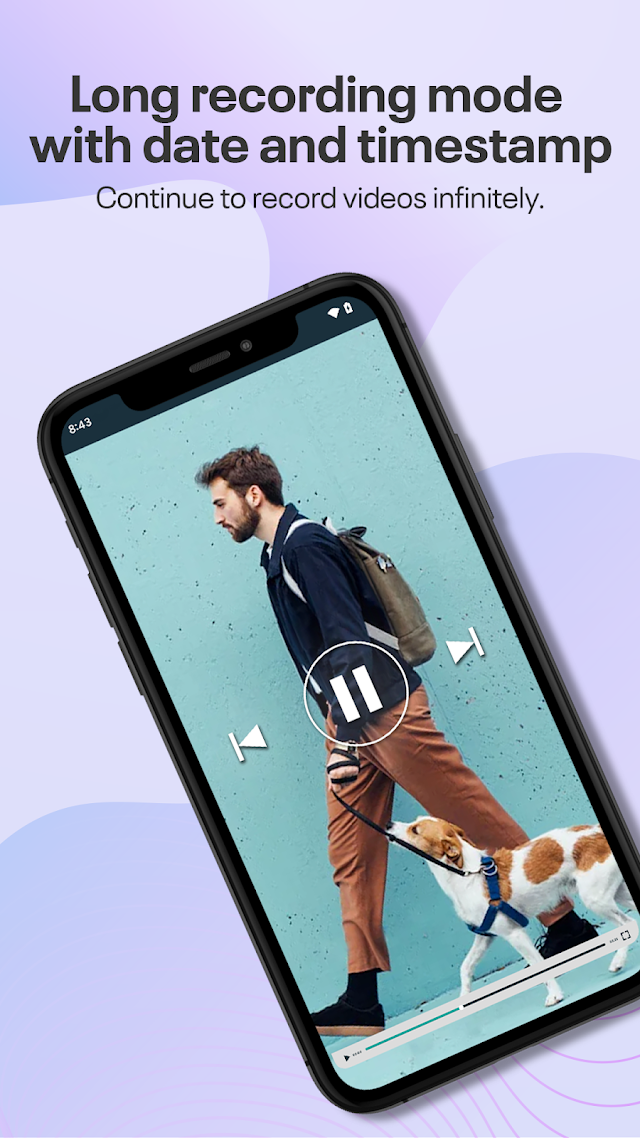
Choose the front or rear camera and supported resolutions up to 4K. Adjust white balance, enable a preview, or add a date and time stamp.
 ChillPixel
 Background Video RecorderBY CHILLPIXEL · FOR ANDROID
YOUR CAMERA. MORE POSSIBILITIES.
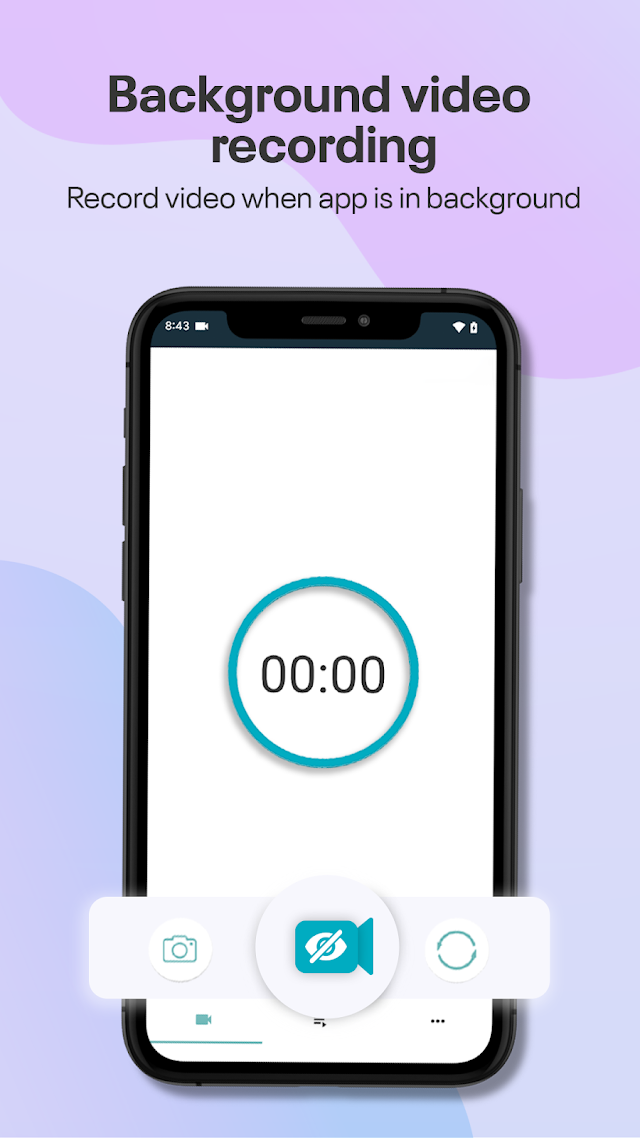
Capture video while you use other apps, with flexible controls that fit your day.
Get it on Google PlayContains ads · In-app purchases
MADE FOR EVERYDAY RECORDING
Choose the front or rear camera and supported resolutions up to 4K. Adjust white balance, enable a preview, or add a date and time stamp.
Long Recording Mode splits an extended session into manageable files. Available storage, battery, temperature and device restrictions determine recording length.
Use in-app controls, the ongoing notification, home-screen shortcuts, supported volume or power-button actions, shake gestures, or Google Assistant commands.
Schedule a recording for a chosen time. Optional on-device smart detection can respond to a visible face on supported devices.
Trim videos and choose export quality. The latest listed update adds resolution, frame-rate, bitrate and audio controls, plus recovery tools for interrupted recordings.
Videos save on your device by default. Connect Google Drive or Dropbox to transfer selected recordings. Password protection helps control access to the app.
Multiple languages · Optional geotagging · Camera shutter sounds where supported · Local recording management
KEEP GETTING MORE FROM YOUR APP
Latest update listed: September 16, 2026
A FEW USEFUL DETAILS
Record responsibly and obtain permission where required.
Yes. Recording can continue in the background, with an ongoing Android notification showing its status and controls.
No. Available resolution, frame rate and camera settings depend on your camera hardware. Shortcuts, schedules and smart detection also depend on Android, permissions and device settings.
Videos are saved locally by default. Cloud transfers happen after you connect a supported service and initiate the action.
Camera access is needed for video, and microphone access when sound is enabled. Notifications provide status and controls. Media or storage access supports file management; location is only needed for optional geotagging.
Email getnahid2@gmail.com. Read the privacy policy and terms and conditions.
Android · Contains ads · In-app purchases