Find their moments
Choose clear reference photos to help on-device face recognition find your child, including in group photos. Confident matches can join the timeline automatically.
 ChillPixel
 GradeStory BY CHILLPIXEL
EVERY SCHOOL YEAR HAS A STORY
The first-day smile. The drawing on the fridge. The ordinary afternoon you’ll never want to forget.
Bring your child’s photos, artwork and achievements together in a timeline that grows with them.
Coming soon on Google Play · Made for parents and guardians
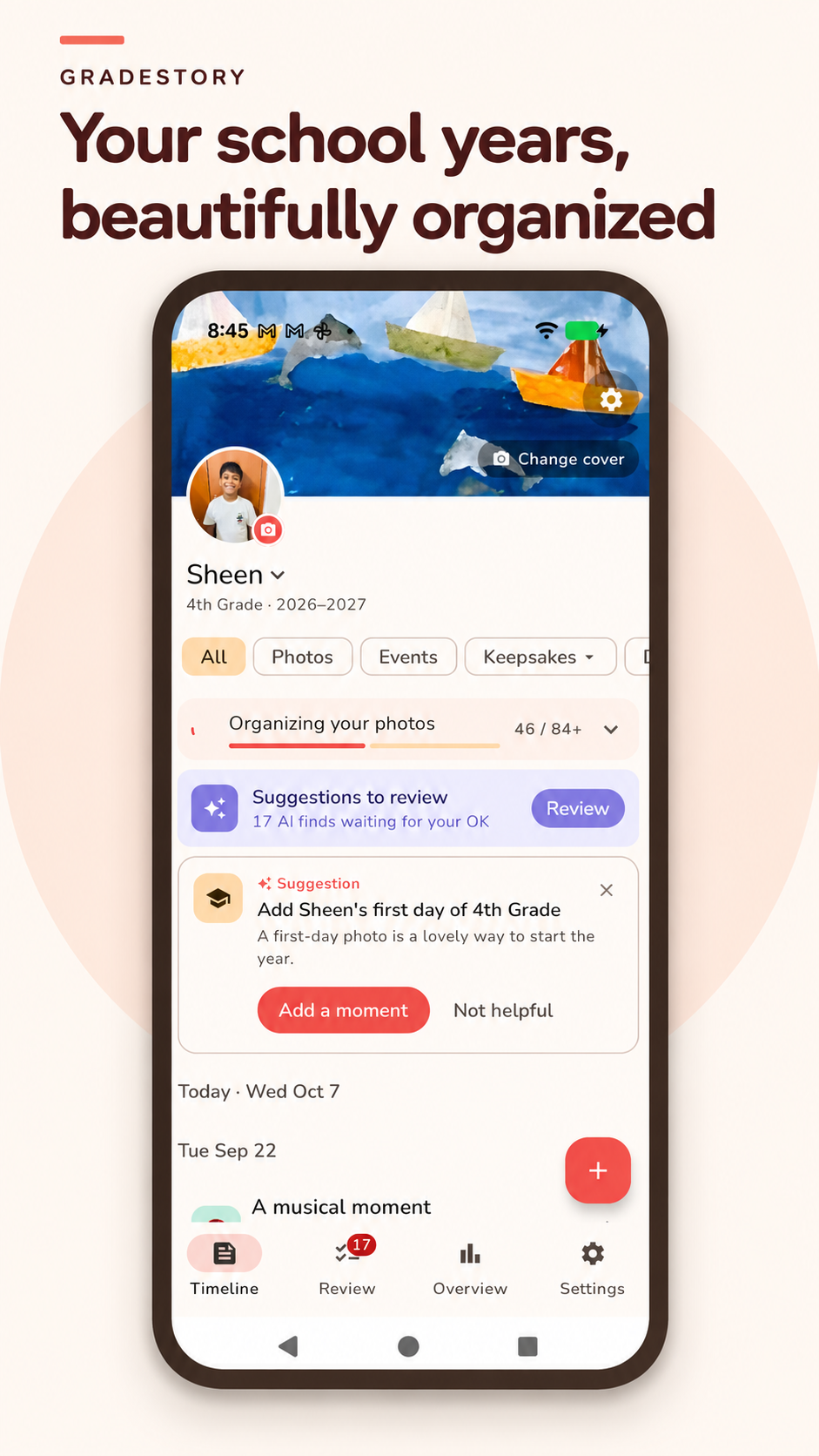 Their story, all together.
LESS SORTING. MORE REMEMBERING.
From everyday photos to proud school moments, GradeStory helps turn a busy photo library into a story you can revisit.
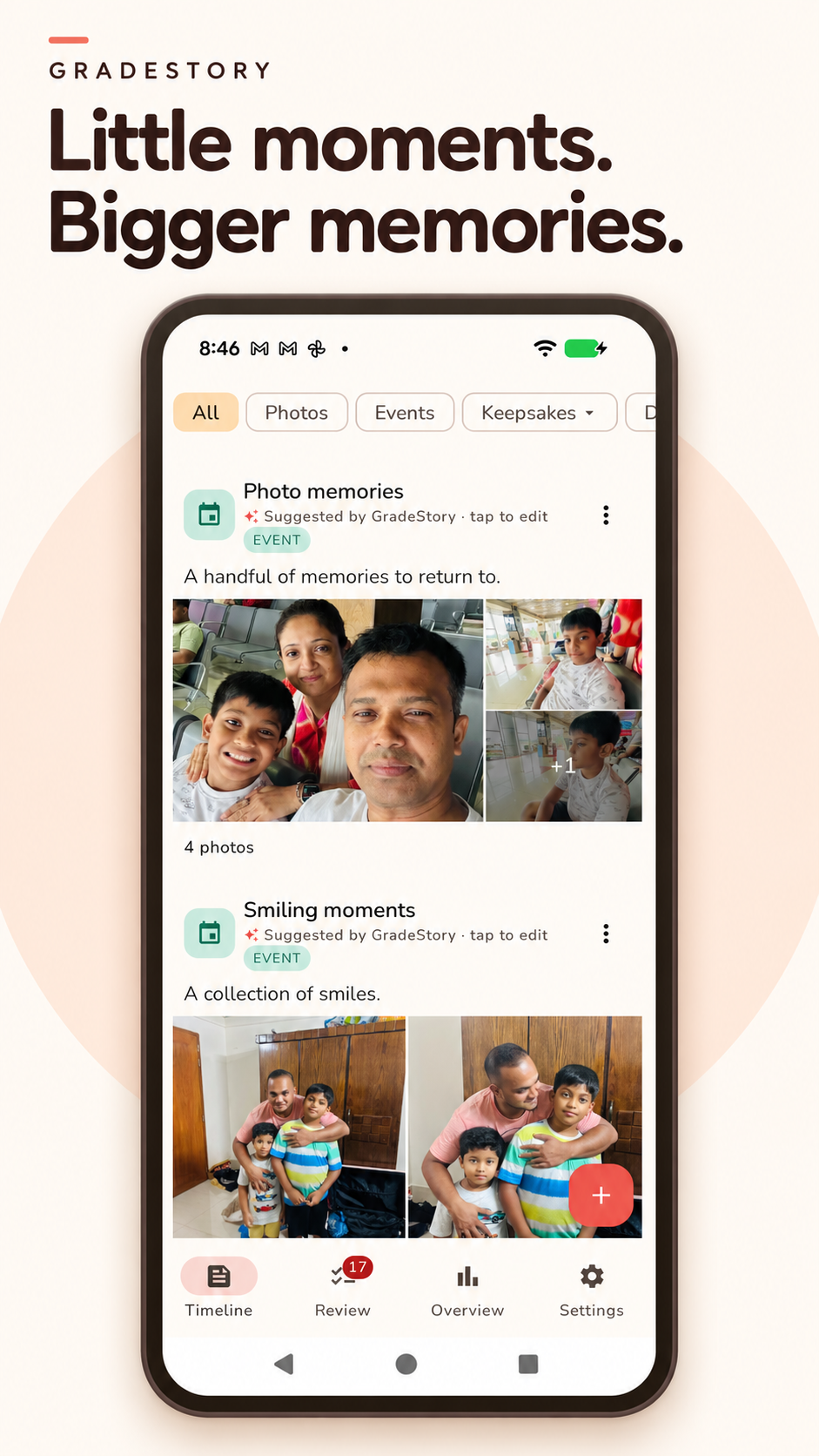
Choose clear reference photos to help on-device face recognition find your child, including in group photos. Confident matches can join the timeline automatically.
Related photos can become an Event, keeping moments from the same outing or celebration together. Edit the title, caption and details to make it yours.
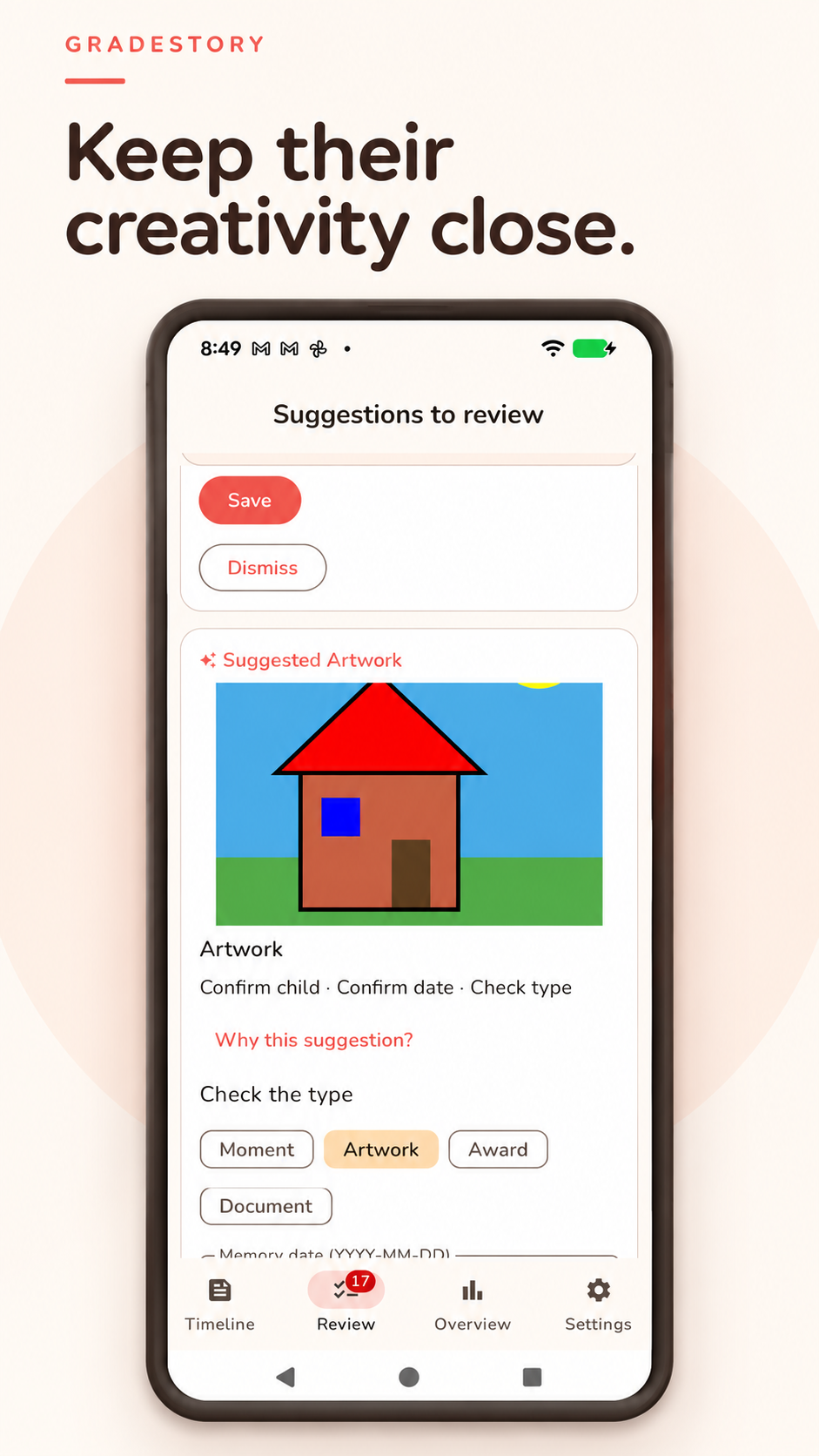
Save drawings, awards and schoolwork alongside everyday memories. Image and text recognition helps suggest the right type for you to review.
Explore memories by date and school year, revisit special days, and create a story to share. Every saved moment adds another page.
A LITTLE HELP. YOUR FINAL SAY.
Some memories are easy to recognize. Others need a parent’s eye. Uncertain matches and suggested keepsakes wait for your review, so you can confirm the child, correct the date and choose what to save.
Recognition can make mistakes. You stay in control.
MEET GRADESTORY
A quick look at the moments, keepsakes and choices that make GradeStory.
 ▶ Watch the film on YouTube
YOUR MEMORIES. YOUR CHOICES.
Photo and face analysis runs on your device. No account is needed to get started.
Allow access to your library or select individual photos. Cloud-only photos may need to be downloaded to your phone first.
Pause scanning, manage reference photos and correct suggestions. Scanning does not delete your original library photos.
Models may download when needed. Place and region lookups send coordinates to a geocoding provider only when requested; public holiday requests use your selected country and year. Recognition services may collect diagnostic information.
A FEW HELPFUL DETAILS
GradeStory is designed for parents and guardians recording their own child’s memories. It is not a child-operated app.
No. With photo access and reference faces set up, confident matches can be added automatically. Uncertain matches and other suggestions need your review. You can also pick photos yourself.
Yes. Review suggestions and edit the memory’s title, caption, date and details. You decide what belongs in your timeline.
GradeStory is coming soon to Google Play. For questions about the app, contact getnahid2@gmail.com.
GROWING UP, BEAUTIFULLY REMEMBERED
Coming soon on Google Play.